

Databases and files
Connect databases and upload files. Connections are read-only and kept per company.
Bhoral queries your data where it lives. A connection stores the details needed to reach a database, encrypted in a vault, and a synced copy of its schema: table and column names and types, never your rows.
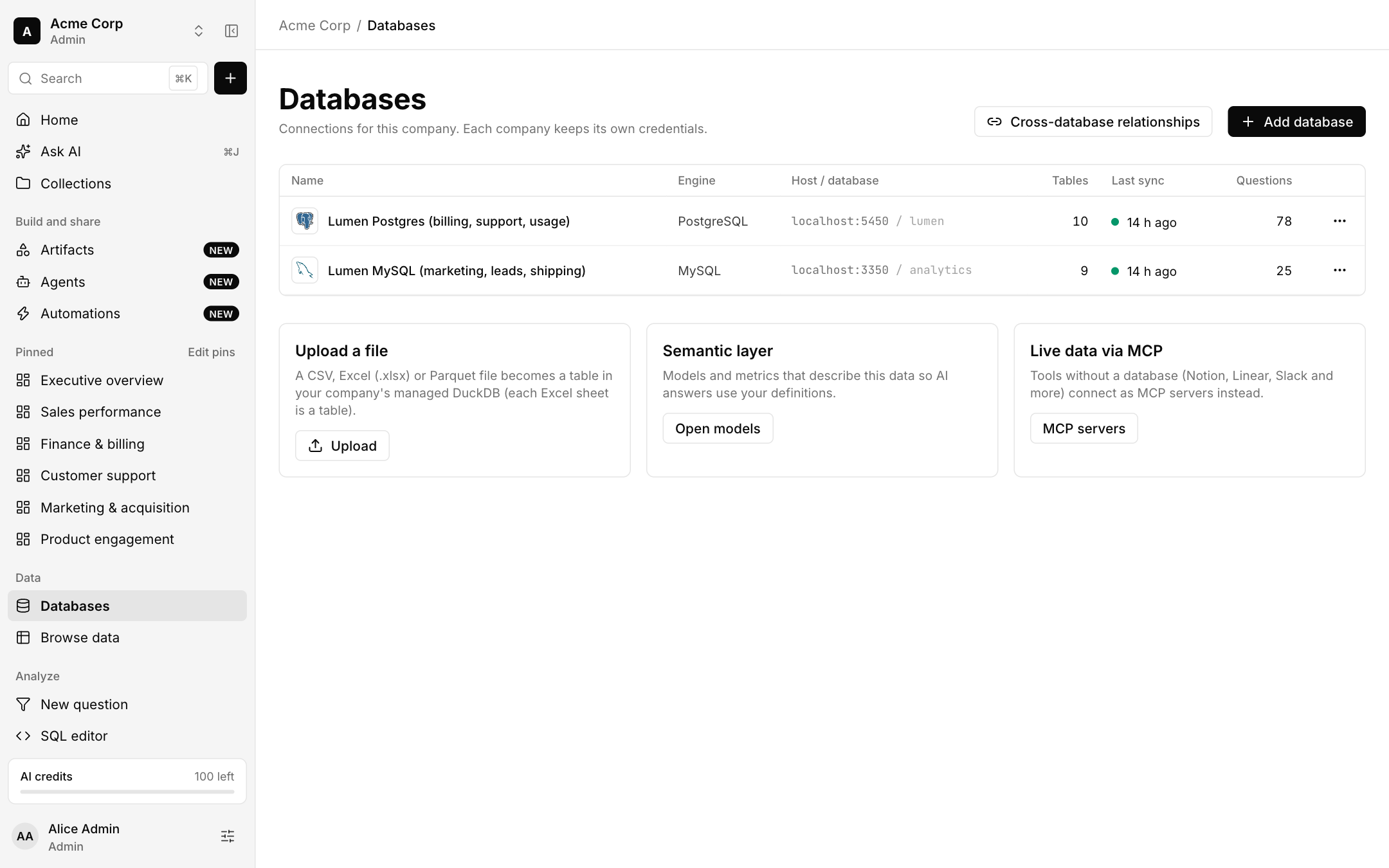
Add a database
Open Databases in the sidebar and choose Add database.
Pick the engine and enter the host, port, database, user and password, or the key the engine needs. For cloud warehouses you provide a service account or key pair, as the form explains.
Test the connection, then save. Bhoral syncs the schema and lists the tables in Browse data.
Use a read-only user
Every query goes through a SELECT-only check and runs with row and time caps. Pairing it with a read-only database user means both Bhoral and your database enforce it.
Supported engines
PostgreSQL and MySQL are the reference connectors. Bhoral also has connectors for MariaDB, SQL Server, Oracle, BigQuery and Snowflake, and more engines behind the same connector SDK. The Add database dialog shows what is available to your company.
Warehouse connectors
BigQuery and Snowflake connectors are built and tested against their documented protocols. We are still proving them against live customer accounts, so tell us what you see if something does not behave as described.
Upload a file
Under Upload a file, choose a CSV, Excel (.xlsx) or Parquet file. It becomes a table in your company's managed DuckDB, and each Excel sheet becomes a table. You get a sheet picker, a column preview and type editing before the import is saved. Files are stored encrypted. Google Sheets can also be synced on a schedule as a copy of the sheet, not a live query.
Files work with every other feature: Ask AI, the SQL editor, dashboards and metrics.
Cross-database relationships
Choose Cross-database relationships to tell Bhoral how tables in different databases relate. This is what lets one question join across sources. See Model and lineage.
Limits and safety
- Queries are read-only and capped at 5,000 rows.
- Credentials are stored in an encrypted vault and are never shown again.
- Each company keeps its own credentials and connections.
- Schema sync reads names and types only.
Plans limit how many databases and tools a company can connect: see Plans and billing.