

Brand
The logo, colours and fonts that reports and datasites use.
Settings, Brand sets the logo, colours and fonts every report and datasite in your company uses. A report or site can still set its own.
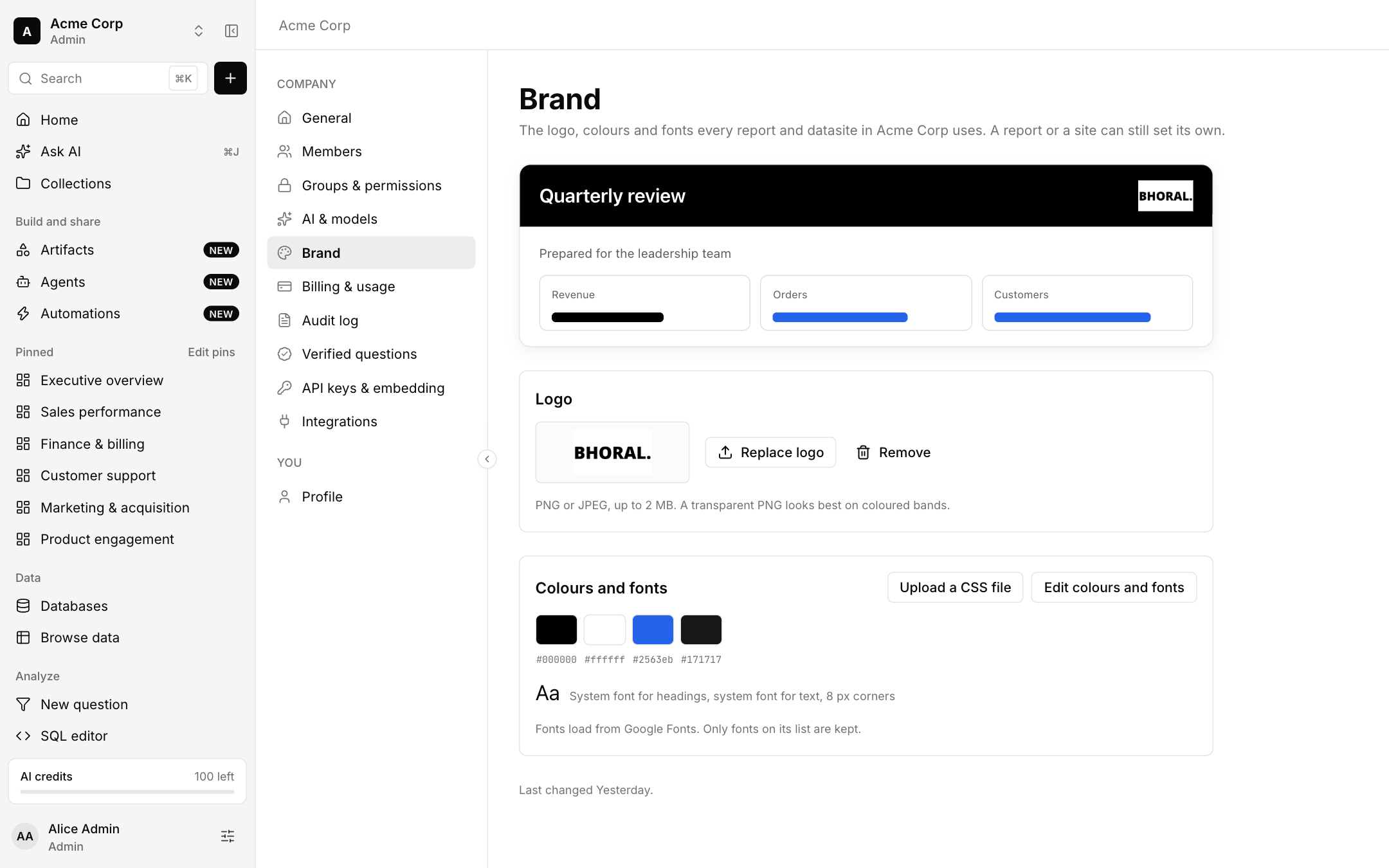
- Logo: PNG or JPEG up to 2 MB. A transparent PNG looks best on coloured bands.
- Colours and fonts: edit the primary, background, accent and text colours and the fonts, or upload a CSS file. Fonts load from Google Fonts and only fonts on its list are kept.
- A CSS file is read as text and never run, and you review what was found before it is used.